KLVE · Perfect World Television
Perfect World TV
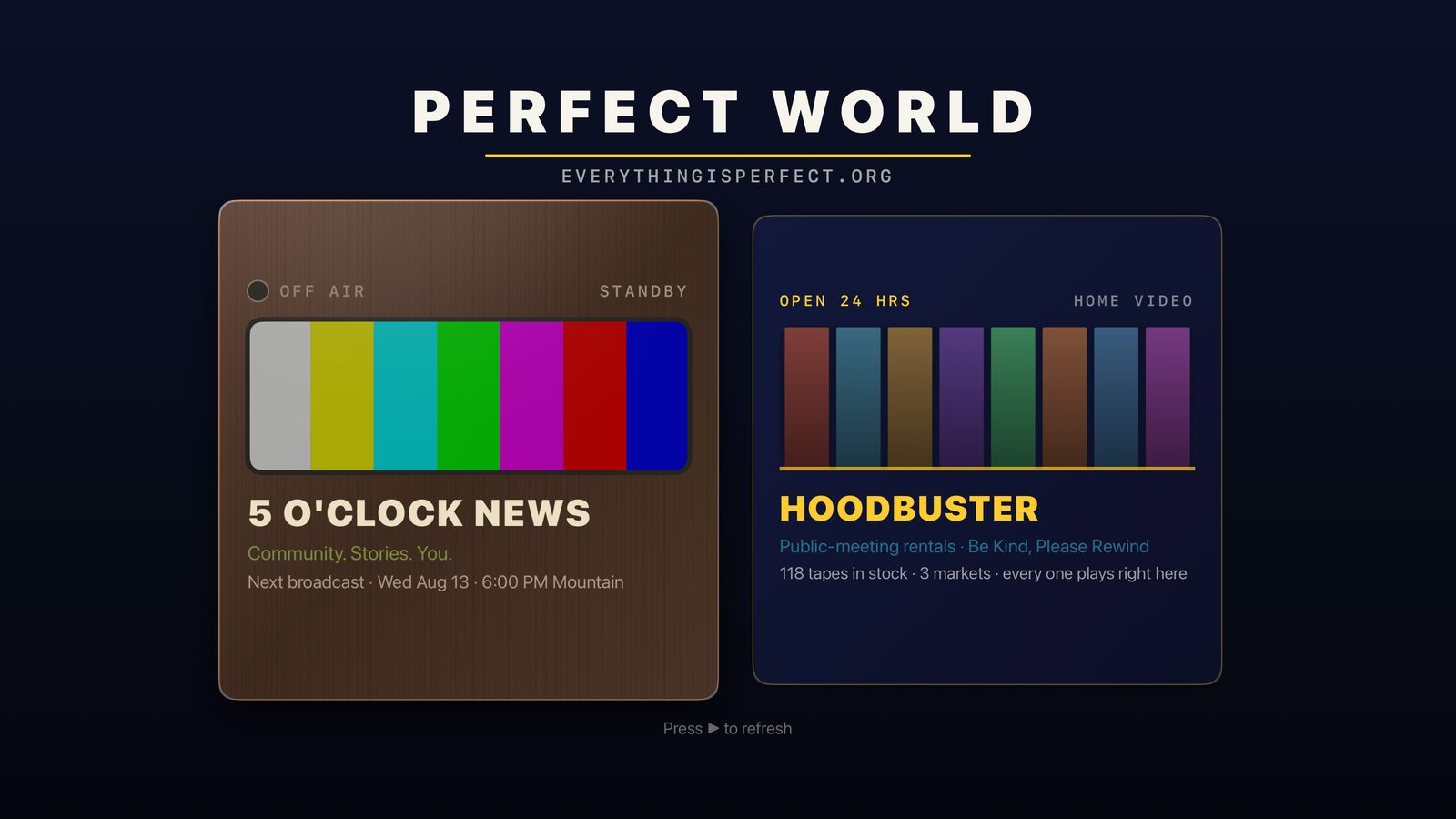
A native Apple TV app carrying the two modules a television is actually for: the channel you watch live, and the shelf you rent from.
5 O'Clock News
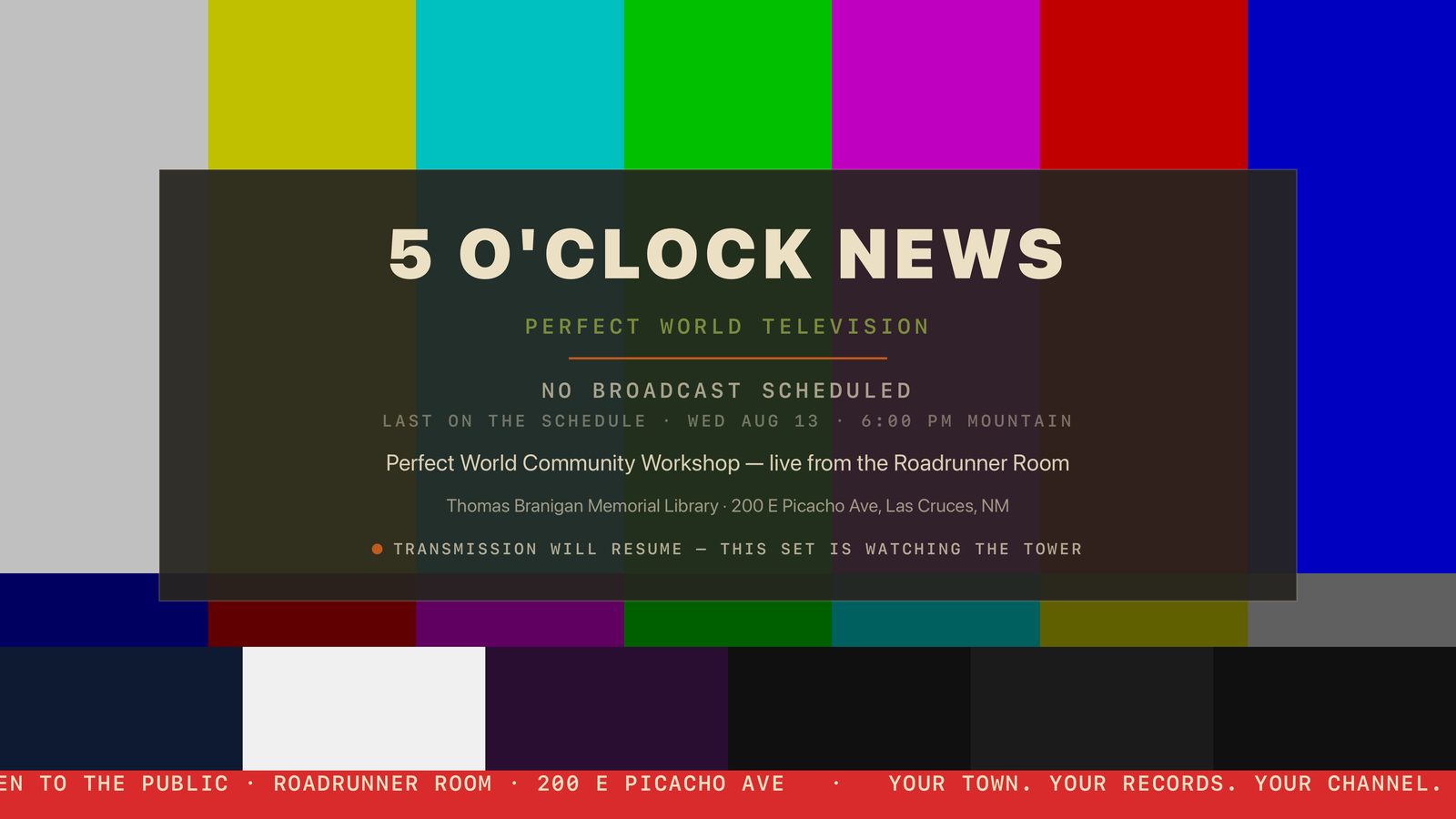
Channel 5, full screen. When the tower is lit the app attaches on its own; when it's dark you get colour bars, the station ident, and the schedule.
HoodBuster
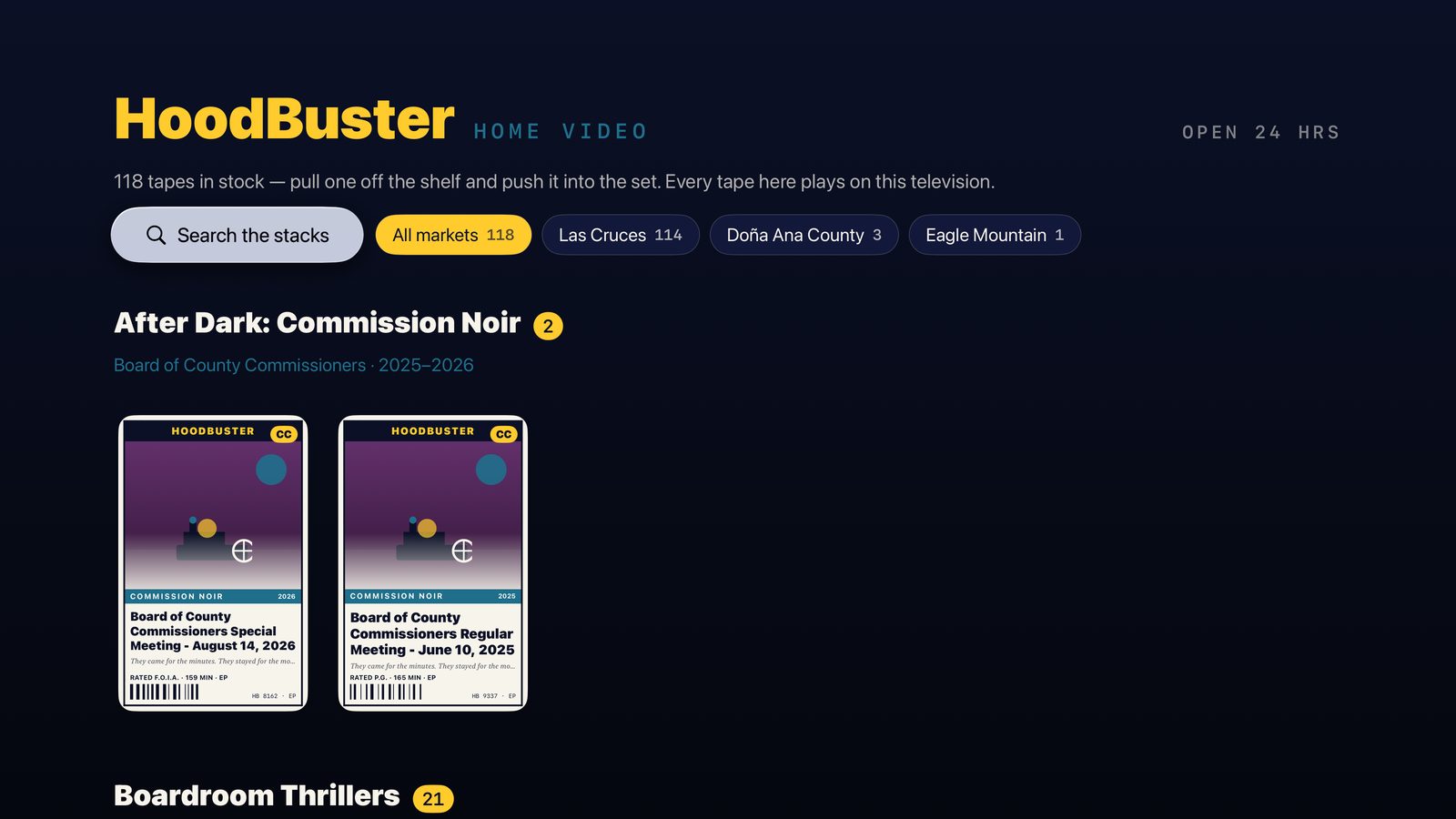
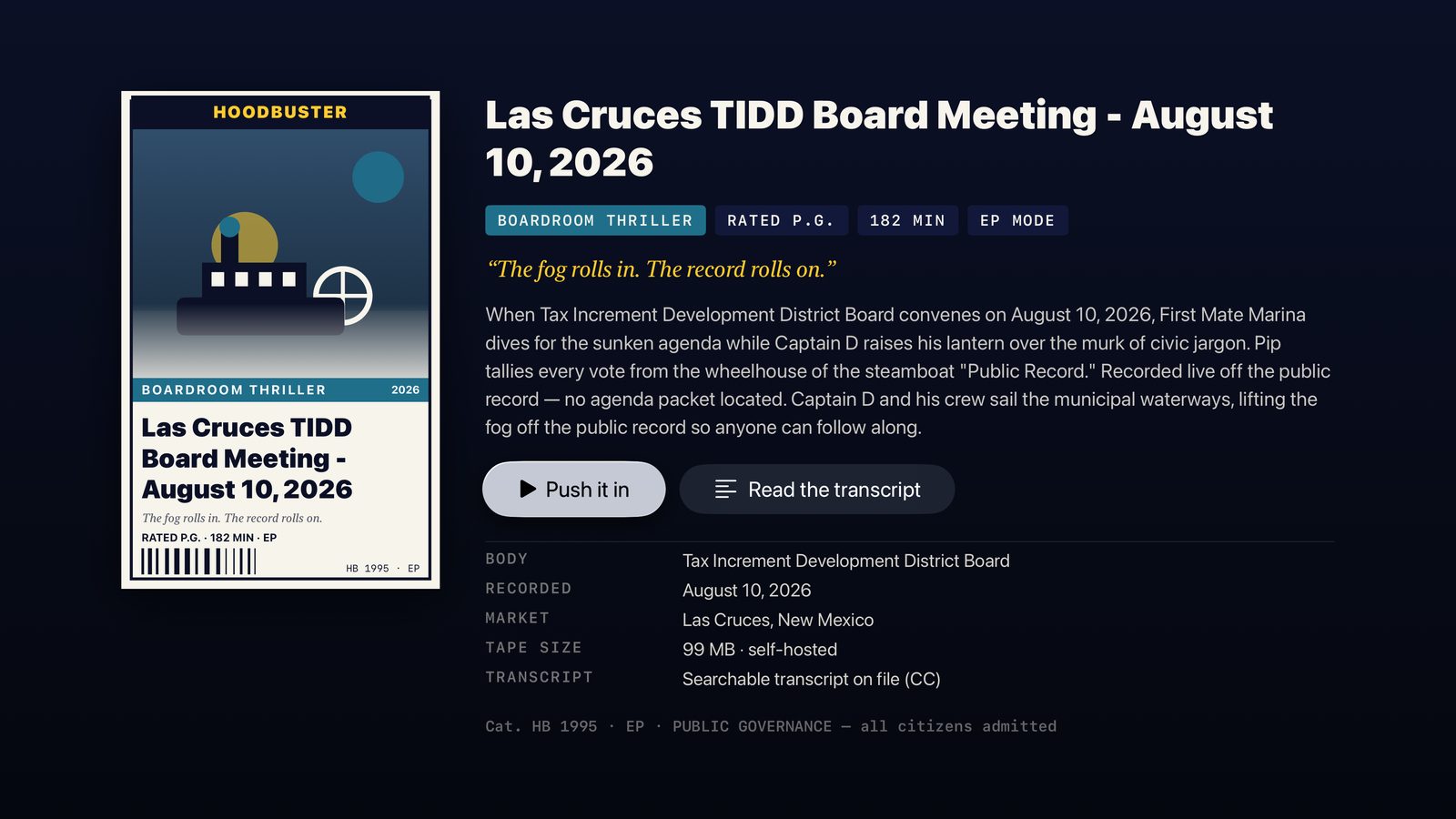
The rental store on a real TV: shelves by genre, VHS sleeves drawn on the box, and every tape plays with the Siri Remote.
What actually plays
This is the one place the TV edition is deliberately narrower than the website, and it's worth being straight about it. In a browser, a meeting whose recording lives on YouTube still plays — the page drops in an embed. An Apple TV has no browser and no YouTube embed, so the TV shelf carries only the meetings the project hosts its own archived copy of.
The upshot: the tape count on the TV is smaller than the count on the web store, and nothing on the TV wall is a dead box. Every sleeve you can focus, you can play. As the archiver works through more recordings, they appear on the TV automatically — there's nothing to update in the app.
Checking the shelf…
Install it
Apple TV has no sideloading the way an iPhone does — there is no AltStore for tvOS, and no way to install from a link on the television itself. Installing a test build means building it onto the box from a Mac. That's Apple's rule, not ours.
- On the Mac, open
perfectworld-tv/PerfectWorldTV.xcodeprojin Xcode. - Apple TV and Mac on the same network. On the Apple TV: Settings → Remotes and Devices → Remote App and Devices, then in Xcode Window → Devices and Simulators and pair it.
- Pick the Apple TV as the run destination, set your own Team under Signing & Capabilities, and press Run.
A free Apple ID works and the app expires after 7 days; a paid developer account lasts a year and can ship through TestFlight. Requires an Apple TV HD or 4K on tvOS 17 or later.
Download the tvOS build Watch the channel in a browser
Under the hood
| Platform | tvOS 17+, SwiftUI + AVKit. No web view — tvOS has no WebKit, so this is a real native app rather than a wrapped website. |
| Data | /api/tv/status, /api/tv/tapes, /api/tv/tape/{id} — a read-only feed added to the hub for this app. |
| Video | Meetings stream byte-range from the project's own archive volume. The live channel is the station's own HLS at /live/news/index.m3u8 — no third-party player anywhere in the chain. |
| Cover art | Generated on the television from the meeting id and title, using the same deterministic rules as the web store, so a tape's genre, rating, runtime and catalogue number match on both screens. |
| Transcripts | Harvested captions, reflowed into passages you can read from a couch and walk with the remote. |
| Resume | A three-hour council meeting is not a one-sitting watch, so the app remembers where you stopped and offers Resume or Start over. |
Both modules live on the web too: the channel at 5 O'Clock News, the shelves at HoodBuster. The phone app is at TownSquare. Everything this station has put on the air is logged in the TV Guide — including The Other Television, on the set OpenAI built three weeks after ours.
← back to the hub